

How to move a note to another location?
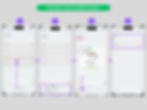
To move notes to a different location, press and hold an item. A frame will appear at the bottom, where you can drag the desired item. You can drag multiple items into this frame. Next, locate the target list where you want to move the items. From the frame, drag the selected items into the desired list. The diagram provides an example where Task 4 is moved inside Task 1.
6 Views